SEARCH tutorial

On this page you will find the step-by-step research tutorial.


This is an example of a correct research of an organism in the database. If you don't enter any value, the search will show all the rna sequences in the database.
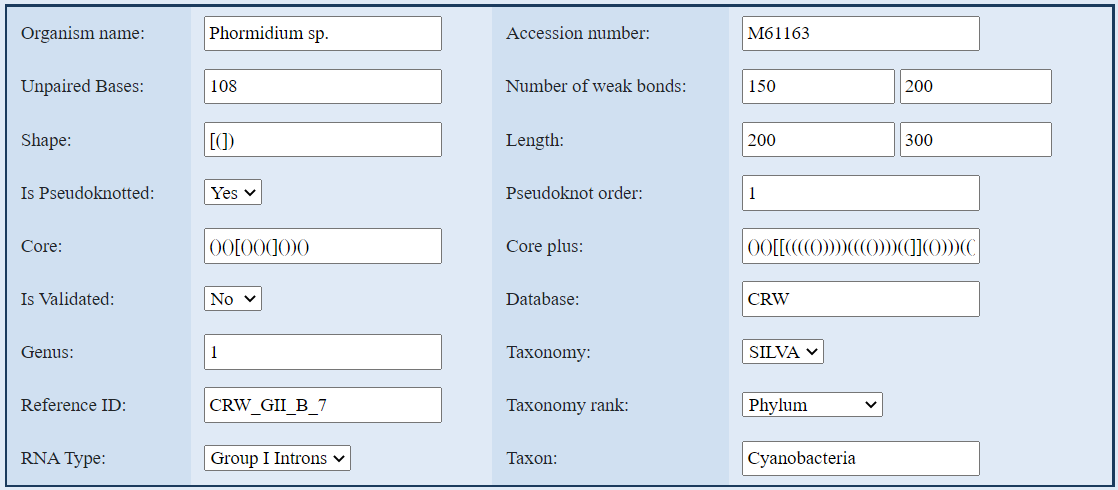

1. Search with Organism name:

the name has to be written with only the first character of the name in uppercase.


2. Search with Accession number:

enter the accession number.


3. Search with Unpaired Base, Genus, Pseudoknot order:

these values are numeric.



4. Search with Number of weak bonds or Length:

for both the number of weak bonds and the length you have to enter a range from a min value to a max value.


You also can enter a single value (for example only the min value or the max value).


You can enter the same value for the min and max to search with a specific weak bond/length.


5. Search with Shape, Core or Core plus:

enter a sequence of round and square brackets.


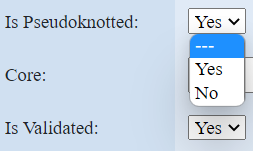
6. Search with is Pseudoknotted or is Validated:

select Yes or No from the drop-down menu (default value is null: - - ).


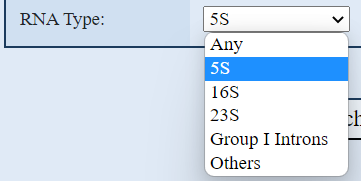
7. Search with RNA Type:

select a rna type from the drop-down value. The default value, Any, searches all kinds of RNA types in the database. The value Others searches all the RNA types that are not listed in the drop-down menu.


8. Search with Database:

enter the reference database where executes the search.


9. Search with Reference ID:

enter the reference id.


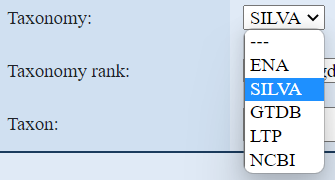
9. Search with Taxonomy:

select the taxonomy from the drop-down menu. Selecting a taxonomy, the search result will show only the organisms that are classified with the selected taxonomy. In the results you can see all the taxonomies of the organism, as well as the selected one.


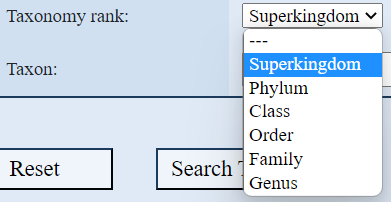
10. Search with Taxonomy rank AND Taxon:

if you want to search with a specific taxon, you have to first enter the taxonomy rank of the taxon because the taxon is disabled until the rank is entered.